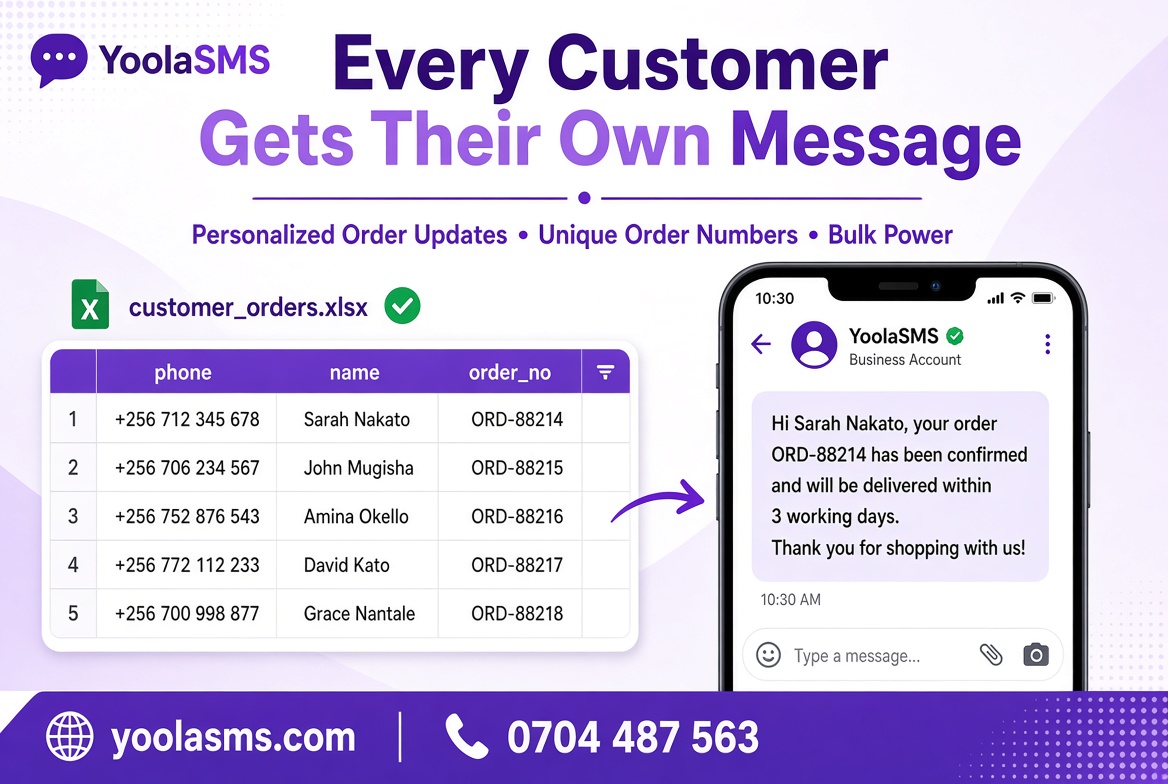
If you've never sent a personalized bulk SMS campaign before, here's exactly how to go from nothing to a real, sent campaign in under five minutes.
Step 1: Write your message with placeholders
Go to Templates and write your message, using @@fieldname@@ anywhere the content should change per person:
Step 2: Build your spreadsheet
Create a simple file with a header row matching your placeholders — one column must be named exactly phone, and every other column name becomes usable as @@columnname@@ in your message:
| phone | name | order_no |
|---|---|---|
| 0704487563 | John | ORD-001 |
Save it as a CSV file (in Excel: File → Save As → CSV).
Step 3: Click "Use" on your template
This takes you straight to Compose SMS, with your template already loaded into the Personalized Campaign section.
Step 4: Upload your CSV and check the preview
Before anything sends, you'll see exactly what a few real recipients will actually receive — check it carefully here, since this is your chance to catch a mistake before it becomes 500 wrong messages.
Step 5: Send
Click send, and a progress bar shows your campaign completing in real time. Keep the tab open until it finishes.
That's the whole process. Start your first campaign now →

Comments (0)